



Take the best screen captures
On many occasions, the tool included in Windows to take a screen capture isn't as precise as the majority of users may desire. It has a rather limited function, that is why it can be a good idea to have a software that has been designed for this purpose, like Easyscreen.
High-quality screenshots
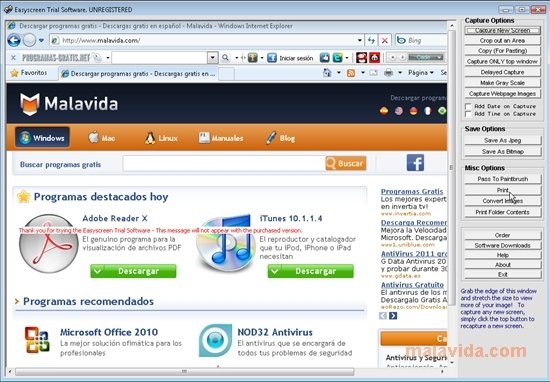
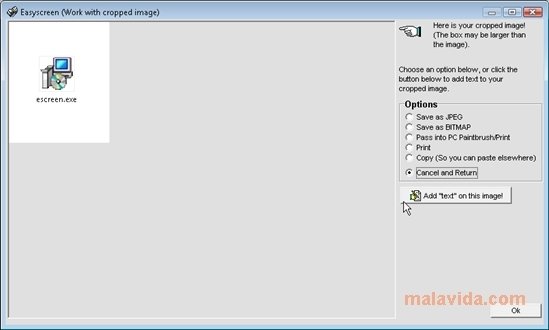
This program has all kinds of functions and parameters that can be modified to be able to take quality screen captures. With it, it will be possible to take fullscreen captures as well as captures of a specific area or a window. It will also be possible to capture any image or fragment of text, well as application menus, something that provides the users with many more options.
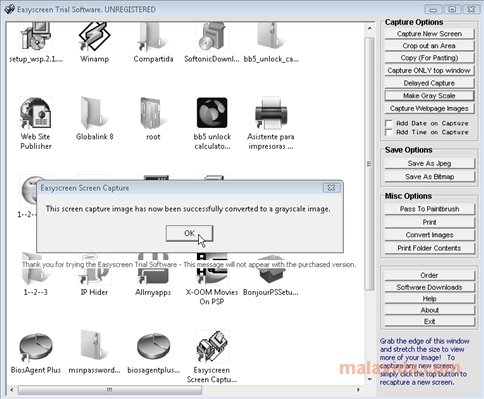
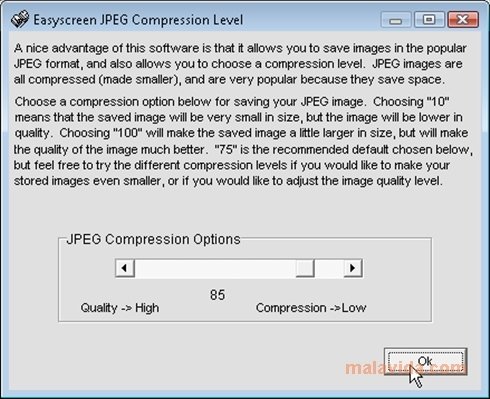
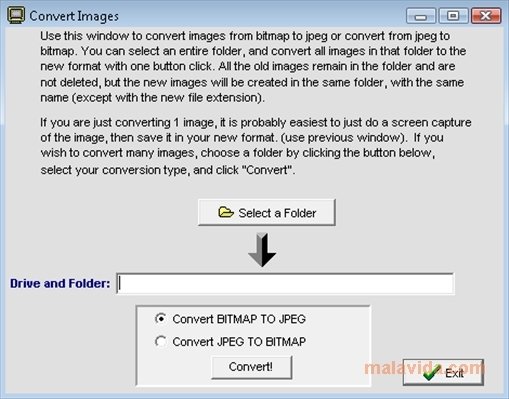
The captures can be converted to a scale of grays, or exported directly to PaintBrush, where it will be possible to apply all kind of enhancements if they are necessary. It also converts any kind of image to JPEG format, with a compression calibration system that will allow the user to vary the resulting quality. It will also be possible to place the desired text on each folder.
Easyscreen includes other useful functions that expand the possibilities of this software, like the possibility to download images from an Internet address, in a full pack or single photographs. A complete tool to take good screen captures.
Requirements and additional information:
- Some functions are limited in the trial version.
 Héctor Hernández
As a technology journalist with over 12 years of experience in the world of software and apps, I have had the opportunity to try all kinds of devices and operating systems over the years. I have done from software or mobile applications reviews...

Scott McLure